Features
Everything Truzme can do — draw a truss, load it, and watch the forces and shape update live. No installation, no account.
For teachers
Teaching with Truzme
In class, in assignments, and what happens to student data
Base tools
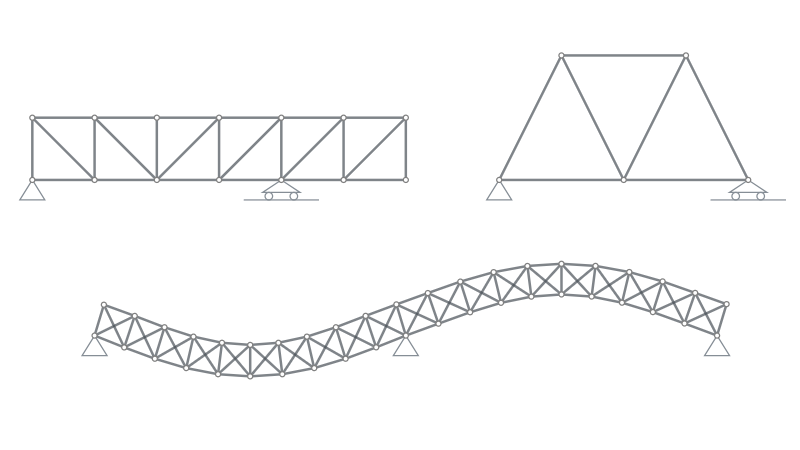
- Draw members: Sketch with a single line or a polyline, or type exact coordinates, lengths and angles.
- Snapping: Snap to the grid, to other joints, and to points along a member, with alignment guides — and choose what to snap to.
- Supports: Pinned, roller or vertical roller — and any of them can stand at an angle, like a roller on a slope.
- Loads: Set by X/Y components or by magnitude and angle (F / α).
- Right-click menu: The actions for anything on the canvas, right where you're working.
- Copy, paste & duplicate: Keyboard shortcuts to copy, cut, paste and duplicate parts of your truss. Guide →
Results & diagrams
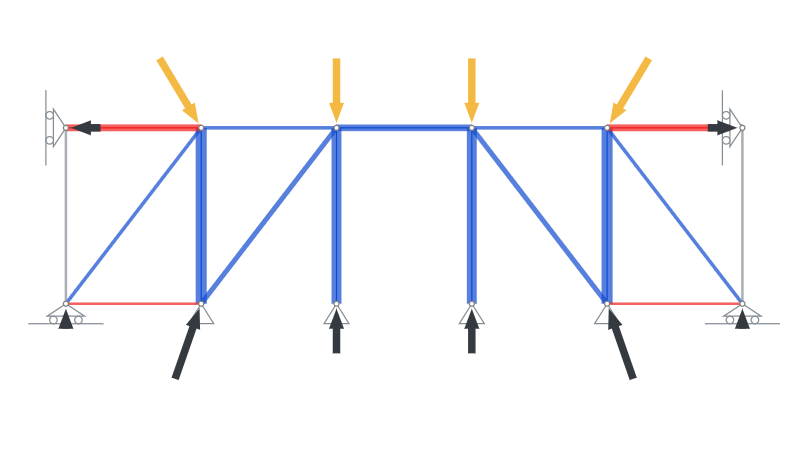
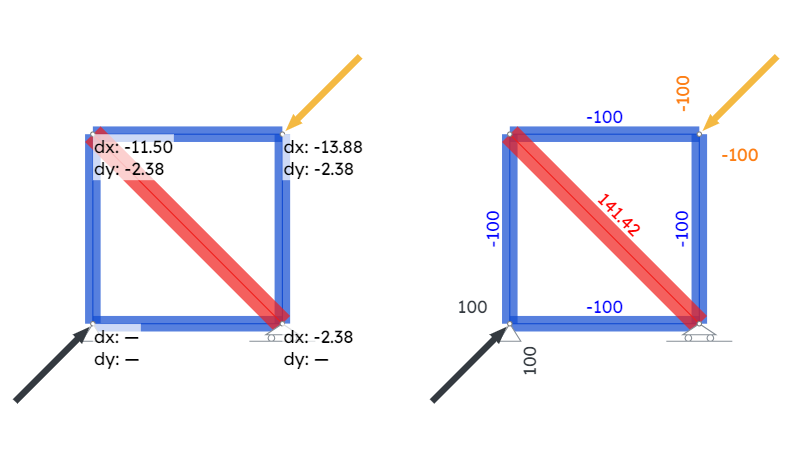
- Live results: Forces, reactions and displacements update as you edit.
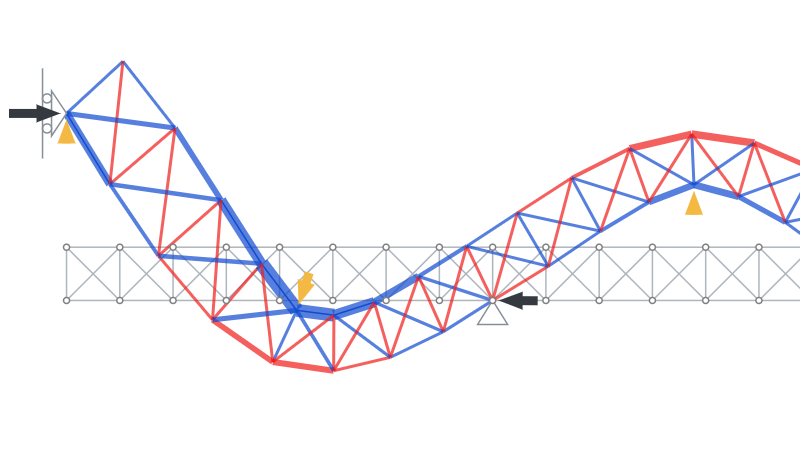
- Deformed shape: See the structure bend under load.
- Animation: Watch it move — not just a table of numbers. Guide →
- Joint forces: See how each member pulls or pushes on the joints at its ends.
- Displacement diagrams: Colour the whole truss by how far it moves, with the smallest and largest value labelled.
- To scale: Every member drawn at its real section size, coloured by its material.
- Presentation mode: Hide the editor and play with the truss — drag it, break it, flip the loads, animate it.
Stability & equilibrium feedback
Guide →- Support check: Warns when there aren't enough supports.
- Solvability: Warns when the structure can't be solved (singular direct-stiffness matrix).
- Loose parts: Flags free member ends and nodes where the forces don't balance.
- Equilibrium: Checks that ΣFx = 0, ΣFy = 0, and that the moments around a node add up to zero.
- Forces panel: Select a node, member, load or support to see its force components and resultant — for a node, also its free-body diagram and force polygon.
Utilisation
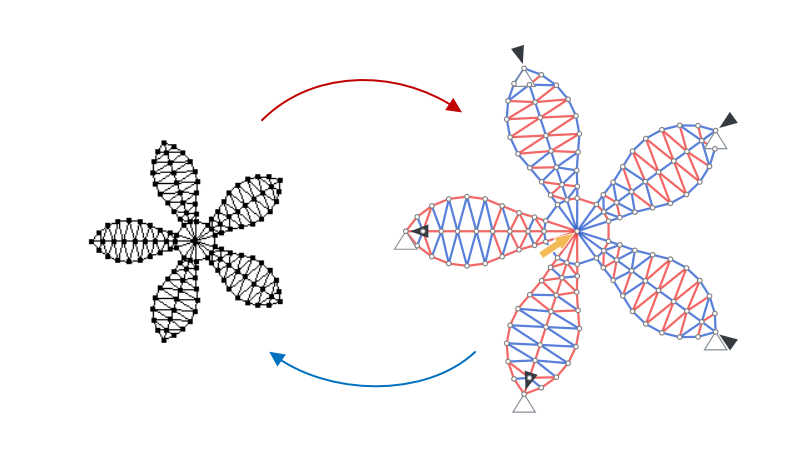
- Stress diagram: Internal force ÷ cross-section area, drawn as a red/blue heat-map.
- Strength diagram: Stress ÷ material strength (fMax) — green when there is room to spare, red once a member goes over the limit.
- Tension diagram: How close each member in tension is to tearing, and the area it would need.
- Utilisation panel: Flags any member over the limit and points you to the most-utilised one, with its key numbers. Tap ⓘ to see the formula with your own numbers. Guide →
- Buckling analysis: Euler buckling check for members in compression. Guide →
Advanced tools
- Materials & sections: Round, tube, rectangular, hollow or custom cross-sections with real material properties, all managed from one list. Guide →
- Display section: Draw each member's real cross-section shape on the truss.
- Statistics: Member, node, support and load counts, plus total length, volume and mass.
- Dimensions: Label and measure your structure.
- Background images: Drop in an image to trace, and set its scale from a length you know.
- Units: Switch between metric and imperial. Guide →
- Transform: Clone, mirror and rotate parts.
- Eraser: Take a structure apart, piece by piece.
- Flip loads: A quick way to build intuition.
- DXF import/export: Move designs between Truzme and your CAD tools.
Save & share
- Files: Work locally, or save to a .truzme file — with autosave in Chrome, Edge and Opera. Guide →
- Share panel: Every way to send a truss, in one place. Guide →
- Project code: Your truss as plain text — put it in an email or an assignment, and paste it back on the canvas. Guide →
- Open format: Project code is published under the MIT license, so other apps can read and write your trusses. Guide →
Working with AI
Guide →- Design with AI: Paste a truss from ChatGPT or Claude onto the canvas.
- Copy to AI: Ctrl+C copies your truss as text an AI can read.
Good to know
- Examples: Ready-made trusses that open straight in the calculator, from simple to just for fun. Browse examples → Guide →
- Interactive tour: A short walkthrough of the main tools, right inside the app. Guide →
- Learn: Short articles on the physics behind trusses, with worked examples and interactive demos. Read articles →
- Chromebooks: School Chromebooks often wipe everything at sign-out — how to keep your trusses. Guide →
- Free to use: Your trusses are yours, and Guides and Learn articles can be shared and used in class. License →
- No cookies: Really.
A closer look
Real linear static analysis under the hood — the same direct stiffness method your textbooks teach, so the numbers line up with what you would work out by hand.